
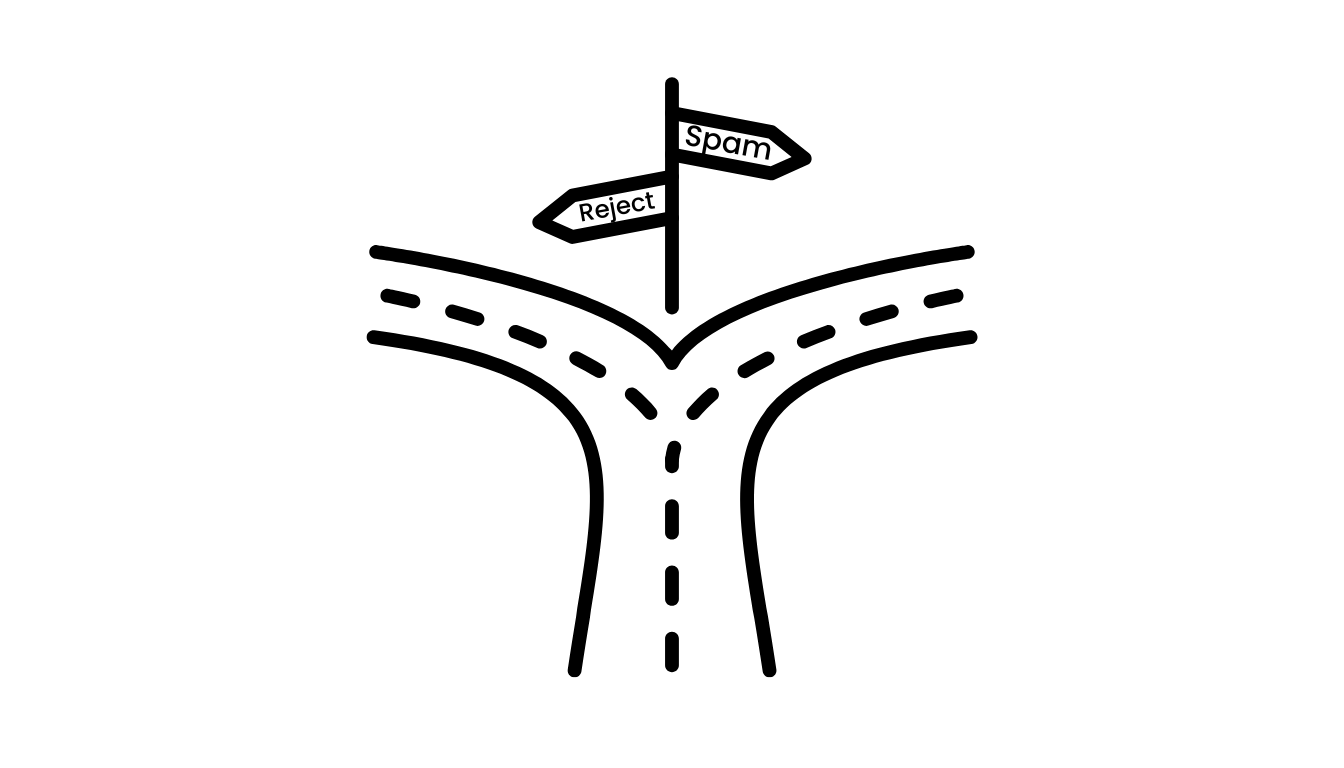
Understanding DMARC Policies: The Critical Difference Between p=quarantine and p=reject
What Are DMARC Policies and Why Do They Matter?
DMARC (Domain-based Message Authentication, Reporting, and Conformance) policies instruct receiving mail servers on how to handle emails that fail authentication checks. The two primary enforcement options, p=quarantine and p=reject, offer different levels of protection and user experience for your domain.
p=quarantine – Flag and Isolate Suspicious Emails
- How it works: With p=quarantine, emails that fail DMARC authentication aren’t delivered to the inbox but are instead sent to the recipient’s spam or junk folder.
- Benefits: This approach reduces the risk of phishing and spoofing while allowing users to review potentially legitimate emails that failed authentication.
- Use case: Ideal for organisations transitioning to stricter enforcement, minimising the risk of losing genuine emails due to misconfiguration.
p=reject – Block Unauthorised Emails Entirely
- How it works: With p=reject, the receiving mail server refuses emails that fail DMARC authentication outright, so they reach neither the inbox nor the spam or junk folder.
- Benefits: This is the strongest protection against phishing and spoofing: fraudulent emails that impersonate your domain never reach recipients.
- Use case: Ideal for organisations that have confirmed through DMARC reports that all legitimate sending sources pass SPF or DKIM and are aligned with their domain.
Key Differences and Decision Factors
- Quarantine: Allows for a safety net, catching suspicious emails without fully blocking them, which can help reduce false positives.
- Reject: Offers the strongest protection but requires confidence that all legitimate sources are properly authenticated.
| Policy | Action on Failed Emails |
User Impact | Security Level |
| p=quarantine |
Sent to spam/junk folder | User can review suspicious mail | Moderate-High |
| p=reject |
Blocked, not delivered | User never sees the email | Highest |
Best Practices for Choosing and Implementing DMARC Policies
- Start with p=none: For monitoring, then move to p=quarantine to catch suspicious emails, and finally to p=reject for full enforcement.
- Regularly review DMARC reports: To identify legitimate sources that may need authentication adjustments.
- Collaborate with IT and security teams: To ensure a smooth transition and minimise disruption to business communications.
Need help choosing the right DMARC policy?
Contact our experts for expert guidance on securing your domain and optimising your email flow!
Explore our FAQ on Why DMARC Enforcement Is the Foundation of Successful BIMI Deployment to learn how these policies enable advanced email branding.
p=quarantine: Suspicious emails go to spam, allowing user review and reducing the risk of lost legitimate messages.
p=reject: Unauthorised emails are blocked entirely, providing the highest level of protection.
Progressive enforcement: Start with monitoring, then move to quarantine and reject for optimal security and deliverability.